
Resources & Support
Access Patient Images
FMIG now provide online image access to doctors and health professionals for patients currently under their care.
For urgent report or image access, please contact our IT Support:
Phone: (03) 9348 3344
Apply for Access to Web Portal
InteleConnect EV (Capital Connect) is an online portal that streamlines the entire doctor-patient interaction. It allows you to access reports and images faster, on any device, any time.
For access to our online results image portals, please complete the form below.
"*" indicates required fields
Online software we offer
InteleConnect
If you’re already registered to access patient reports and images via InteleConnect EV (Capital Connect), simply log in below.
InteleViewer
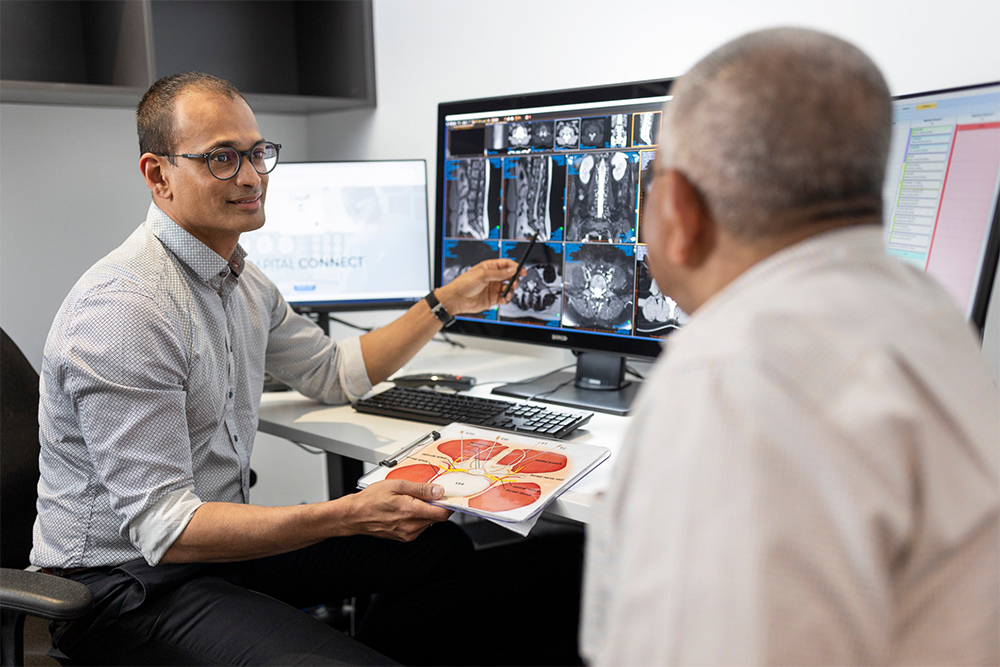
Inteleviewer is a diagnostic viewer that needs to be installed onto your desktop computer. It provides fast and efficient viewing across all modalities and bandwidth.
It’s best for viewing complex procedures such as MRIs and CTs, and you can compare current images with historical data.
Please see the documents below for further information:
Download Patient Reports to your Practice Management Software
FMIG offers an efficient and reliable way of delivering reports directly to your practice management software via HealthLink.
To set up HealthLink at your practice – for new clinics – or to have reports delivered via your existing Healthlink Electronic Data Interchange (EDI) number – for established clinics – please contact: connectsupport@capitalradiology.com.au
Patient reports can also be faxed directly to your practice.